AI is reshaping work in 2025. These tools save time, cut costs, and improve productivity by automating repetitive tasks and even making decisions. Whether you’re managing emails, scheduling meetings, or creating content, these seven AI tools can help:
- Your Automated Life: Build custom AI agents for tasks like email management and customer support. Starts at $49.99/month.
- Lindy: AI agents handle unstructured tasks like email triaging and CRM updates. Pricing begins at $49.99/month.
- Zapier: Connect apps to automate workflows. Free and paid plans available.
- Microsoft Power Automate: Best for businesses using Microsoft tools. Plans start at $15/month per user.
- Trengo: Centralizes customer communication across channels.
- Any.do: Simplifies task management and scheduling. Integrates with tools like Slack and Gmail.
- Synthesia: AI-driven video creation for training and marketing. Plans start at $29/month.
These tools can handle up to 30% of your workload, allowing you to focus on more important tasks. Start small by automating one or two processes and scale as needed.
2025 AI Productivity Stack: Top 10 AI Tools I Use Weekly to Get More Done
1. Lindy
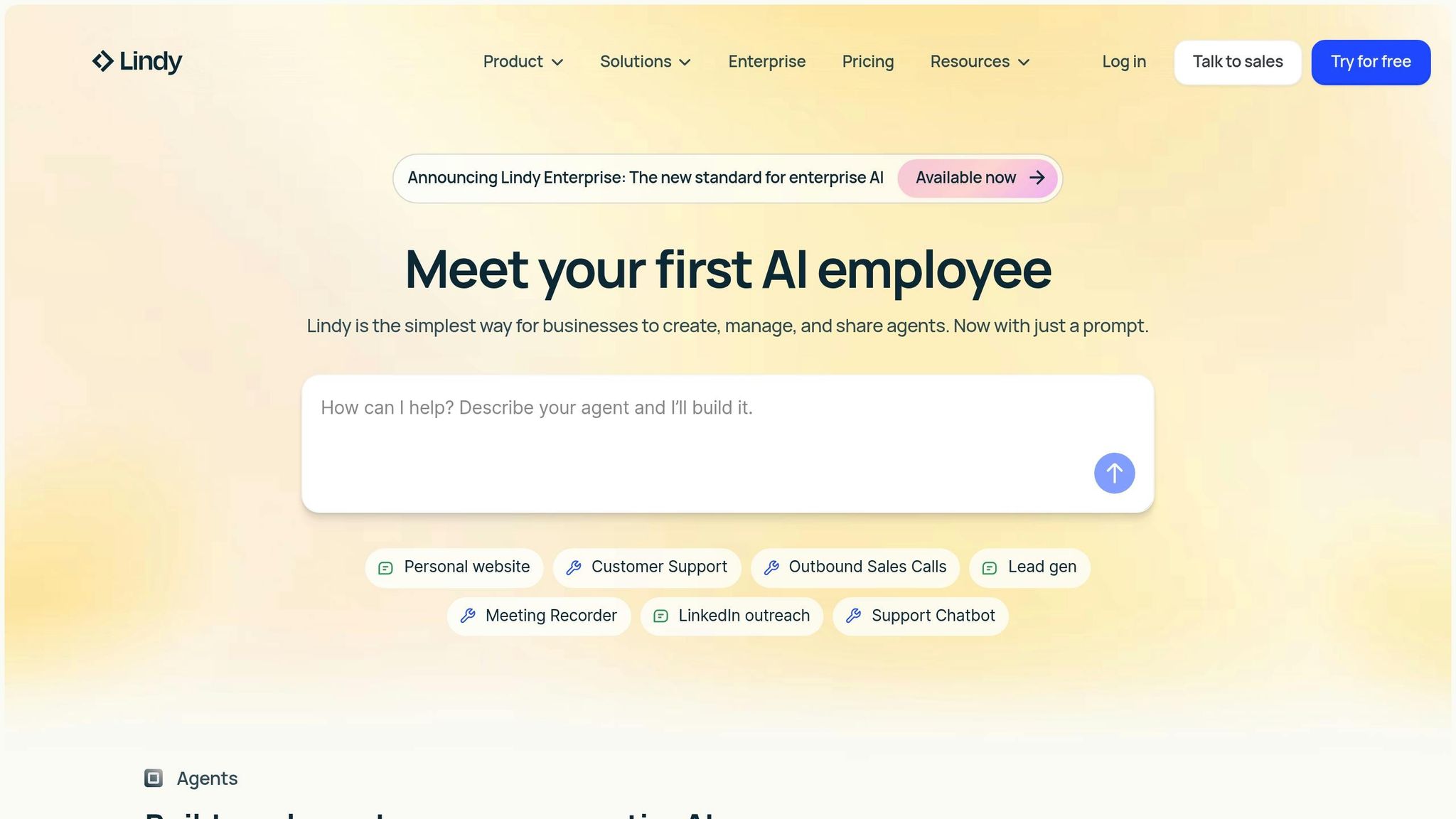
Lindy is transforming AI automation by introducing intelligent agents that can tackle complex, unstructured tasks – things that traditional if-then workflows just can’t handle. These agents are designed to understand context and make decisions, making them a perfect fit for dynamic business processes. The result? Lower costs and smoother operations, as shown in the examples below.
With Lindy’s natural language programming, you can train AI agents in plain English. Powered by Claude Sonnet 4.5, these agents can autonomously handle tasks for over 30 hours, integrate with more than 5,000 business tools, and pull data from over 4,000 sources using Apify scrapers.
This isn’t just theory – businesses are already seeing results. Take Truemed, for example. They implemented Lindy’s support agent and reduced support costs by 67% by automating over 5,000 tickets. Another example comes from October 2025, when a real estate company deployed Lindy’s AI phone agent, Gaia, to handle property inquiries 24/7. Gaia managed lead qualification and scheduled appointments without the need for human involvement.
"Lindy operates like the perfect SDR – reliable, scalable, and fully integrated into our sales stack."
- John Nye, Head of Marketing at The Sauna Place
Lindy offers flexible pricing plans to suit different needs:
- Free Plan: Includes 400 monthly credits for up to 400 tasks.
- Pro Plan: Costs $49.99/month and provides 5,000 credits, premium features, and a 20M character knowledge base.
- Business Plan: Priced at $299.99/month, it includes 30,000 credits, phone automation, and priority support.
These AI agents are already taking on tasks like email triaging, meeting preparation, research, and CRM updates – tasks that require both efficiency and careful decision-making.
For professionals managing heavy workloads of communication and scheduling, Lindy delivers a smart, efficient solution that automates processes while maintaining the nuanced judgment these tasks demand.
2. Zapier
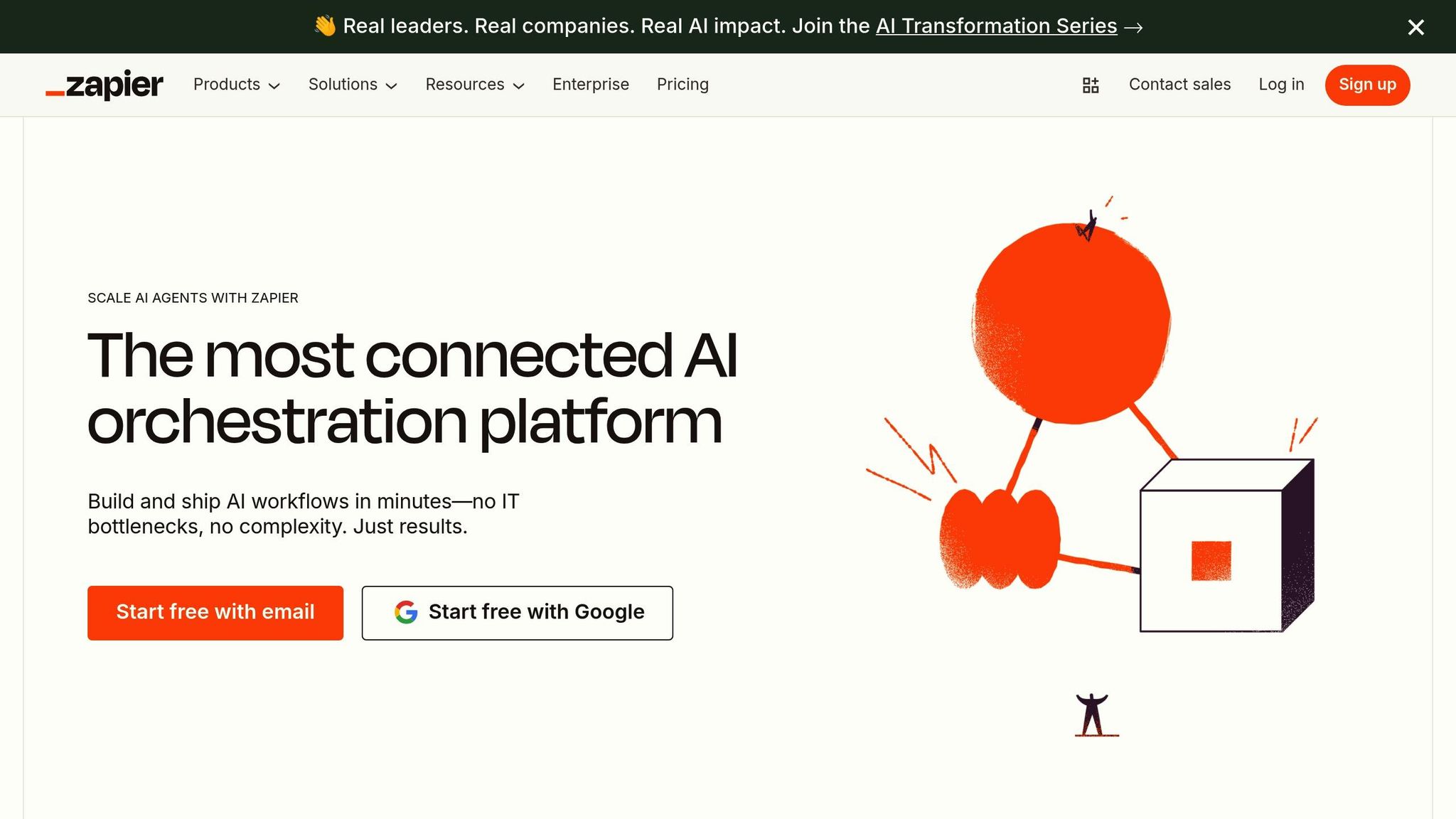
Zapier has made its mark as a leader in AI-powered automation, simplifying how apps work together through its no-code platform. With thousands of app integrations, it allows users to build automated workflows – called "Zaps" – that trigger actions across tools based on specific conditions.
One of Zapier’s strengths is its ability to connect a wide variety of business tools seamlessly. For instance, you can sync customer data between your CRM and email marketing platform or automatically generate tasks in project management tools when new leads are added. These automations save sales teams from tedious data entry and empower marketing teams to send personalized emails based on user behavior.
Entrepreneurs also find Zapier invaluable for creating efficient workflows. Take e-commerce, for example: a Zap can link Shopify orders to accounting software, update inventory in Google Sheets, and send customized email confirmations – all without lifting a finger. Multi-step Zaps go even further, allowing a single trigger to create CRM profiles, add email subscribers, notify teams in Slack, and assign tasks in project management tools – all in seconds. Whether you’re an individual or a business, Zapier offers flexible pricing plans to suit your automation needs.
Zapier provides a free plan for getting started, along with scalable paid options for handling more complex and high-volume workflows.
For busy professionals juggling multiple tools, Zapier eliminates the hassle of manual data transfers and repetitive tasks, freeing up time for more meaningful work.
3. Microsoft Power Automate
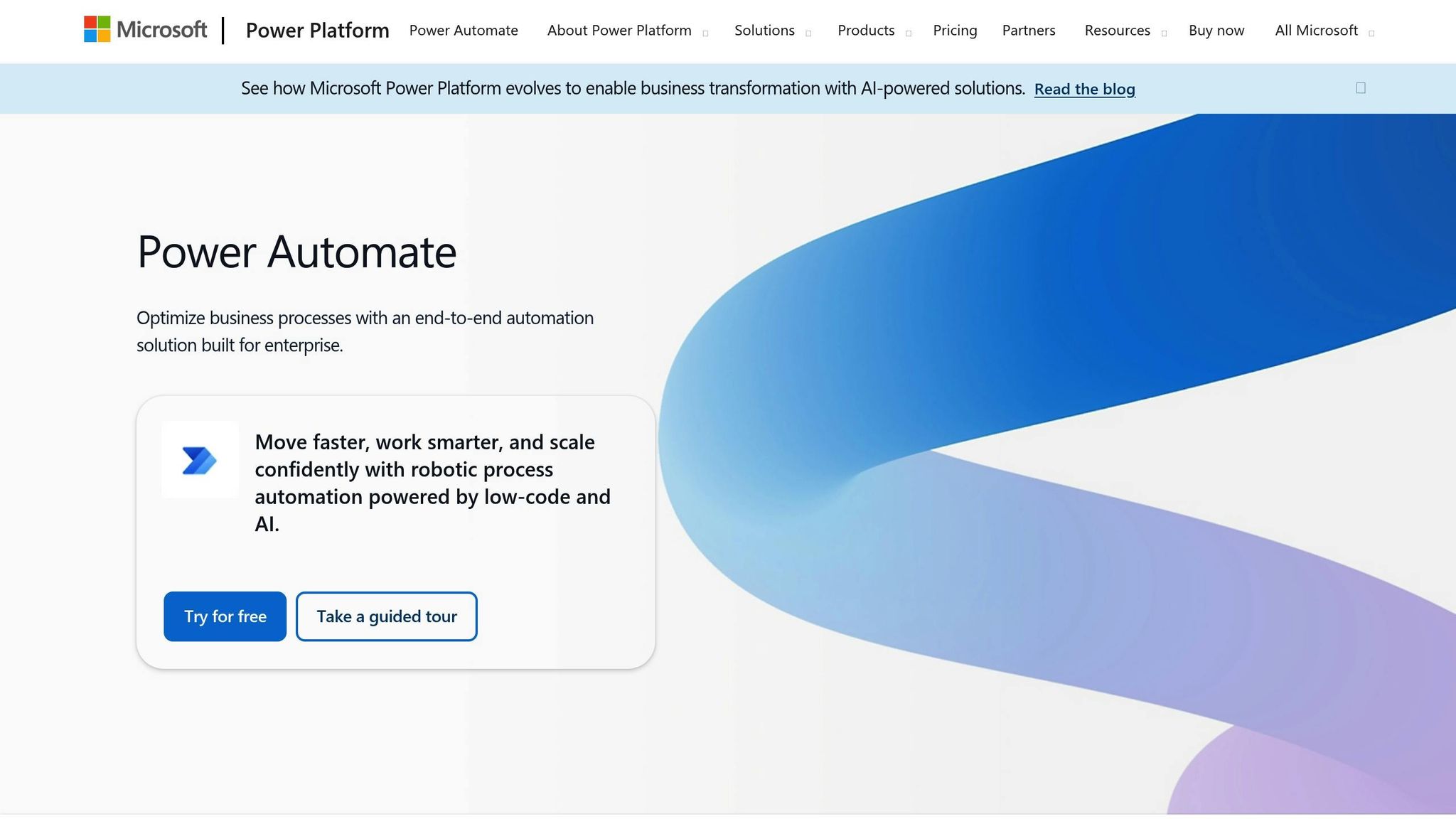
Microsoft Power Automate is a powerful automation tool designed for businesses deeply integrated into the Microsoft ecosystem. Its seamless compatibility with Microsoft 365 apps like Outlook, Excel, SharePoint, and Teams makes it an obvious choice for organizations aiming to simplify their operations without switching between platforms. This tight integration sets the stage for a wide range of automation capabilities.
The platform shines in business process automation (BPA) and robotic process automation (RPA), handling everything from straightforward cloud-based workflows to intricate desktop automations. With Power Automate Desktop, you can create both attended and unattended flows, making it possible to automate tasks with or without human intervention. This is especially useful for companies managing older systems that lack modern APIs.
One standout feature is the AI Builder, which allows users to train custom AI models without needing a background in data science. This tool can automate tasks like extracting data from documents, processing forms, and analyzing images. Additionally, its Copilot functionality helps users build workflows using plain language instructions, making automation more accessible.
The platform’s drag-and-drop visual builder simplifies workflow creation, while a centralized admin center makes managing automation easier. Security and compliance are prioritized through strong governance features and role-based access controls.
Microsoft Power Automate also bridges the gap between on-premise and cloud systems with its digital process automation (DPA), enabling smooth connectivity between modern services and older applications.
Pricing Details
Power Automate offers a 30-day free trial, providing access to premium features. After that, the Premium plan is available for $15 per month per user, which includes cloud flows, attended RPA, and 5,000 AI Builder credits. For businesses requiring unattended automation, the Process plan costs $150 per month per bot, offering cloud flows, unattended RPA, and Dataverse storage. The Hosted Process plan, priced at $215 per month per bot, adds a Microsoft-hosted virtual machine for executing flows.
Who Can Benefit?
For small businesses and entrepreneurs already using Microsoft tools, Power Automate can drastically cut down on manual tasks. It’s ideal for automating routine activities like invoice processing, tagging CRM leads, running email campaigns, and tracking customer support. By taking over repetitive, time-consuming tasks, the platform allows teams to focus on more strategic and creative work.
sbb-itb-4bfa3ba
4. Trengo
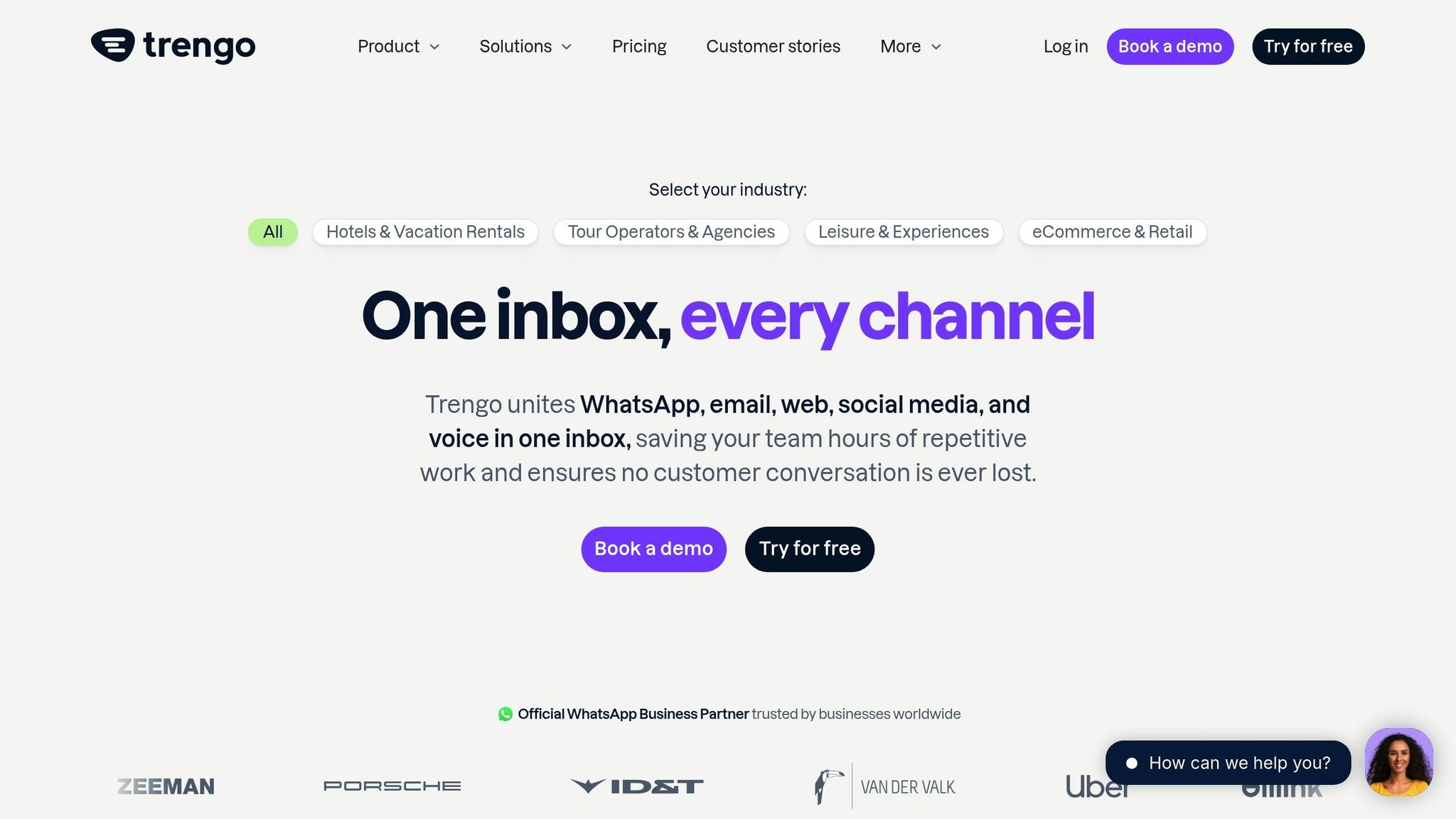
Trengo takes the hassle out of managing customer interactions by bringing all communication channels into one place. With its AI-powered platform, teams can handle conversations seamlessly, making it easier to stay organized and improve communication workflows. It’s a practical solution for businesses looking to manage customer interactions more efficiently.
5. Any.do
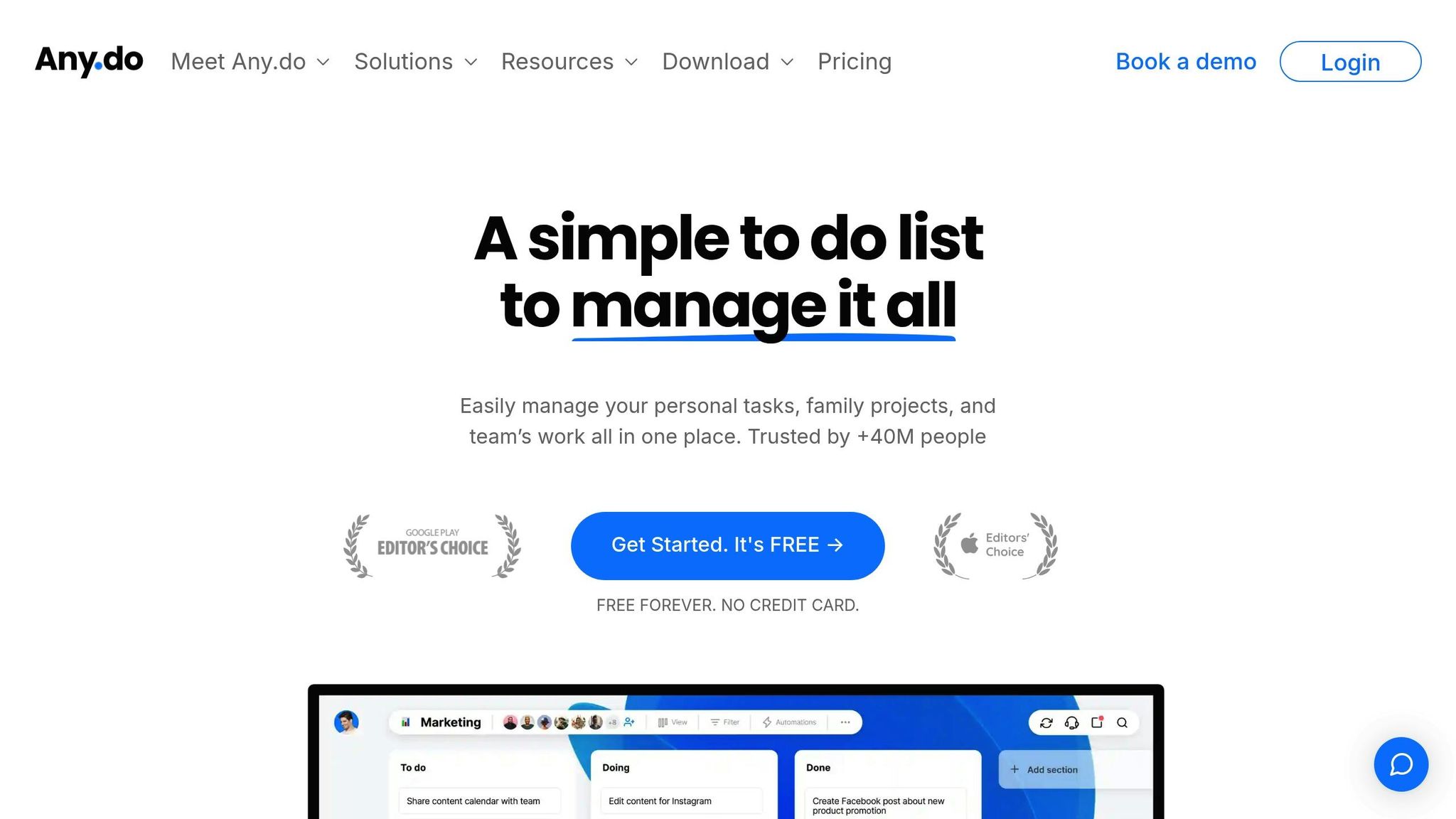
Any.do simplifies task management, scheduling, and team collaboration, helping professionals prioritize what truly matters. By removing unnecessary complexities, it creates a smoother path for automating work processes.
One standout feature is its ability to automate routine task assignments, giving teams more time to focus on creative and strategic efforts. A marketing director shared their experience:
"This feature streamlined our workflow, allowing us to focus on creative work and client interactions."
The platform also offers flexible project management tools, including multiple views like Kanban, calendar, table, and Gantt charts. These options, combined with custom reporting, make task delegation and tracking more intuitive and efficient.
Additionally, Any.do integrates effortlessly with tools like Slack, Zapier, and Gmail, ensuring all workflows stay connected. As an IT consultant put it:
"Any.do’s integrations have been invaluable, connecting all my platforms and easing client project management."
6. Synthesia
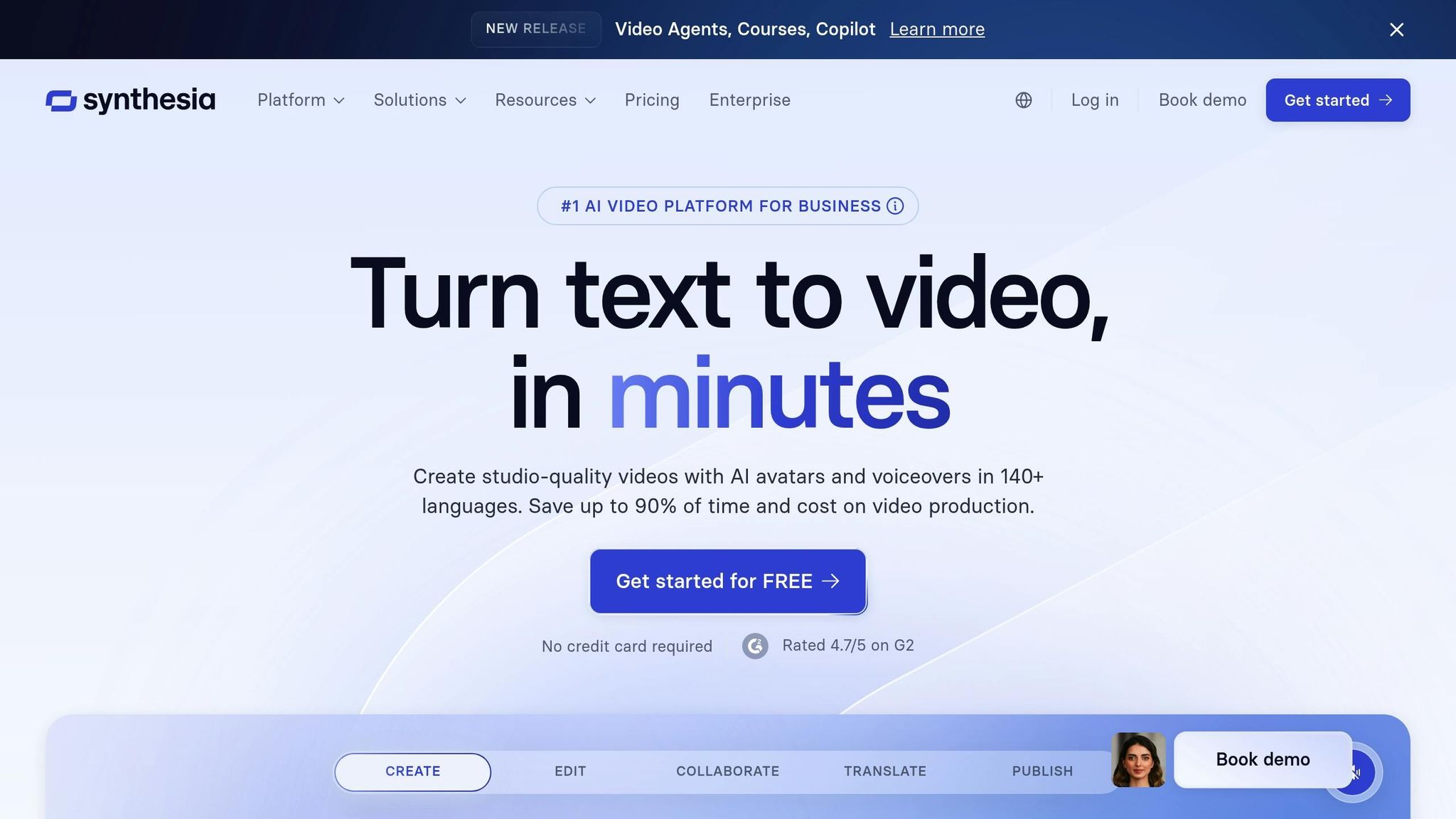
Synthesia streamlines video creation by using AI avatars and text-to-speech technology, eliminating the need for traditional production equipment. All you have to do is provide a script, and Synthesia takes care of the rest – creating videos with lifelike presenters while skipping over challenges like coordinating actors or managing complex editing processes.
For marketers, Synthesia is a game-changer when it comes to producing training materials, product demos, or customer onboarding videos. It allows teams to consistently produce polished, high-quality content without relying on external production crews or resources.
The platform offers a free plan with up to 36 minutes of video creation per year, while paid plans start at $29 per month.
Synthesia is just one example of how AI-driven tools are transforming the way professionals tackle everyday tasks in 2025.
Tool Comparison Table
Here’s a breakdown of AI tools designed to simplify daily tasks. Each tool offers unique features tailored to different needs, levels of expertise, and workflows:
| Tool | Primary Focus | Key Strengths | Best For |
|---|---|---|---|
| Lindy | Personal AI assistant | Natural language processing, personalized automation | Executives and busy professionals |
| Zapier | App integration | Thousands of app integrations, user-friendly interface | Small to medium businesses |
| Microsoft Power Automate | Enterprise workflow automation | Deep Microsoft integration, robust enterprise features | Large organizations using the Microsoft ecosystem |
| Trengo | Customer communication | Multi-channel support, team collaboration | Customer service teams |
| Any.do | Task and project management | Cross-platform sync, intuitive design | Individual productivity and small teams |
| Synthesia | AI video creation | AI avatars, text-to-speech, no filming required | Marketing teams and content creators |
When choosing a tool, think about your workflow and specific needs. Beyond the basic features, evaluate factors like technical complexity, ease of use, and scalability. For example, Zapier is a great choice for small businesses looking for a straightforward way to connect apps, while Microsoft Power Automate is better suited for large organizations needing enterprise-level automation features.
Budget is another key consideration. Tools like Your Automated Life and Any.do are ideal for individuals or smaller teams with minimal setup needs. On the other hand, platforms like Lindy and Microsoft Power Automate may require a larger investment of time and resources due to their advanced functionalities.
Scalability matters, too. Enterprise users often gravitate toward robust solutions like Microsoft Power Automate, while individuals and smaller teams might find tools like Your Automated Life or Any.do more accessible and easier to implement. Take the time to match the tool to your technical expertise, budget, and long-term goals.
Conclusion
The six AI tools discussed here have the power to transform how we approach daily tasks. By automating repetitive chores, they free up time to focus on what truly matters. For instance, you can reclaim the hours spent managing your inbox each year by automating routine email tasks.
These tools also simplify collaboration and enable smarter, data-driven decisions. Whether it’s transcribing meetings, syncing CRM data, or scheduling follow-ups, AI ensures that repetitive processes no longer consume your valuable time.
What sets modern AI platforms apart is their ability to align with your individual work style. With features like adaptive dashboards and intelligent task suggestions, these tools learn from your habits to provide a personalized experience. It’s not just about saving time – it’s about creating workflows that complement the way you work.
A practical approach to using AI is the 30% rule: let AI handle up to 30% of your creative process, leaving the remaining 70% for your own creative input. This balance allows you to harness the benefits of automation without losing the unique human touch that defines your work.
To get started, consider automating just one or two repetitive tasks. Tools like Your Automated Life make it easy with step-by-step tutorials and pre-built workflows that deliver quick results. It’s an accessible way to dive into automation, even if you’re new to the concept.
The future of work isn’t about doing more – it’s about working smarter. These AI tools enable you to increase productivity without adding to your workload, giving you more time for creativity, strategic thinking, and meaningful human connections.
FAQs
How can AI tools like Lindy simplify unstructured and complex tasks?
AI tools such as Lindy are built to tackle unstructured, time-consuming tasks effortlessly. Whether it’s managing your overflowing inbox, scheduling meetings, organizing CRM workflows, or diving into detailed research, Lindy acts like a virtual teammate, simplifying these processes and freeing up your time.
By handling even the most complex workflows, Lindy brings order to chaos, ensuring tasks are completed efficiently. This allows you to stay organized and concentrate on the priorities that truly matter.
How can AI tools help integrate business applications to improve workflows and save time?
AI tools are built to effortlessly link and automate processes across various business applications, making it easier for professionals to save time and work more efficiently. These tools can connect with platforms like email services, project management tools, and CRMs to handle repetitive tasks such as data entry, scheduling, or sending automated updates.
For instance, an AI-powered tool might sync your calendar with your email to schedule meetings based on everyone’s availability or automatically transfer customer details from a form directly into your database. By cutting down on manual work, these integrations streamline workflows and free up your time for more strategic and impactful tasks.